

Using EDITable once the data is connected to the table, you can update the data source.
For more information about how to create data source connection , refer to the Getting Data into EDITable | EDITable | Inforiver
Two types of user role can create the data source connection.
1. By a Report User – In this case, the "Manage" option is visible within the report interface.
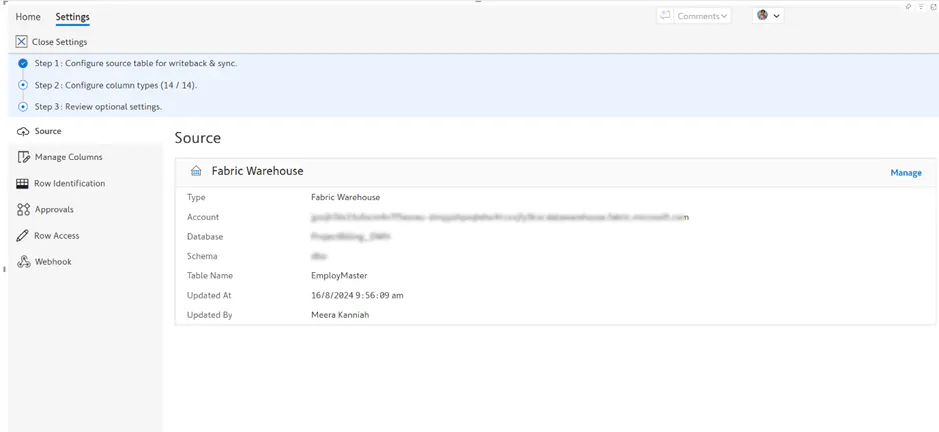
2. By an Administrator via the Editable Admin Portal – In this scenario, the "Manage" option is not available in the report. The connection can only be managed through the Admin Portal by the Administrator.
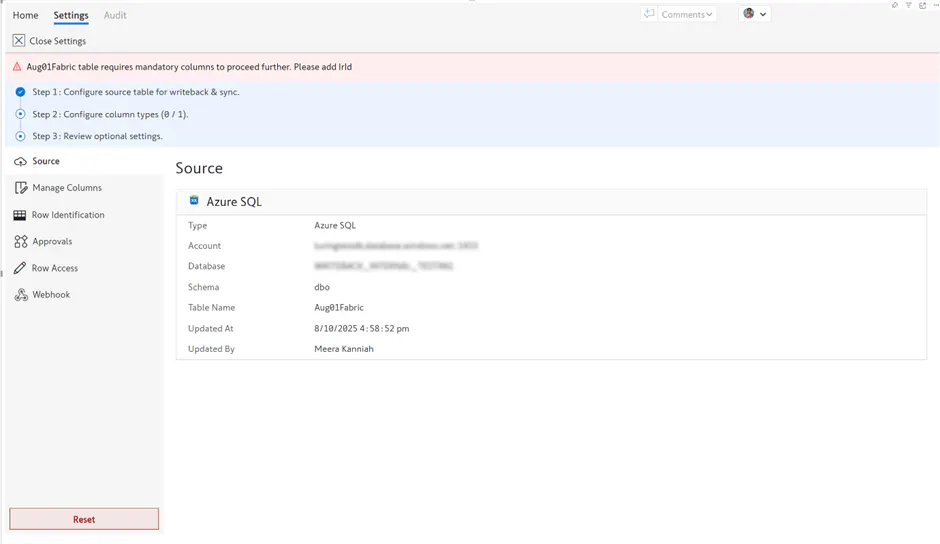
Go to the Admin Portal using Inforiver console from the login screen, Admin Portal & EDITable Console | EDITable | Inforiver
Select the Settings-> Connections option from the Admin Portal and Edit the connection details.
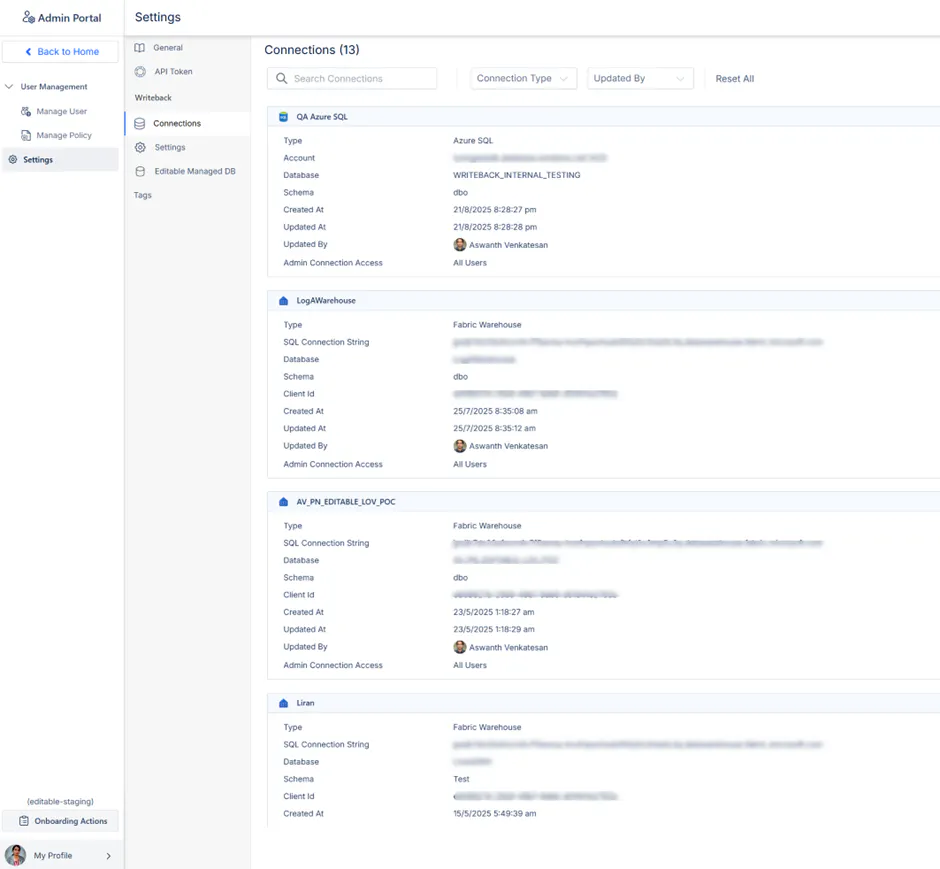
For more information about Connections, refer Writeback Settings | EDITable | Inforiver

