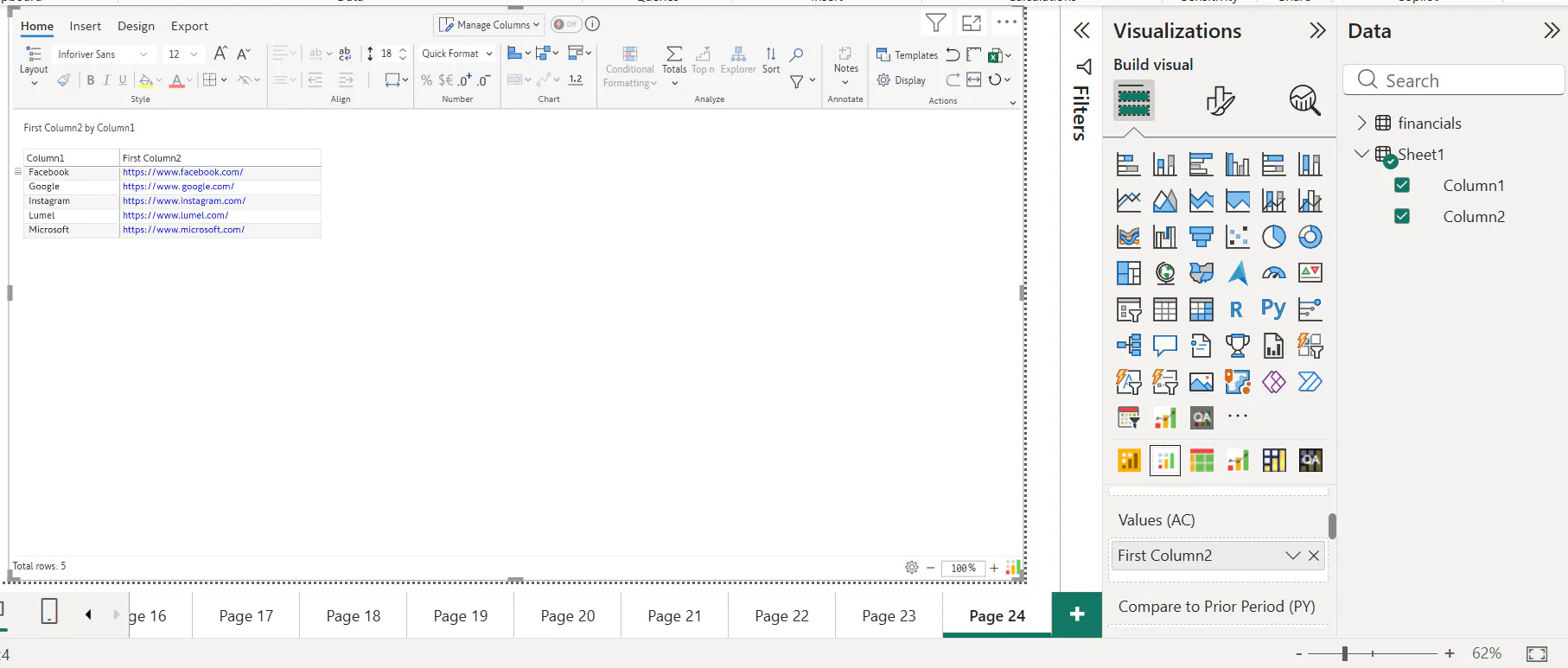
When using URL Links in our dataset a lot of times we do not want to display the URL links column in our report as shown below:
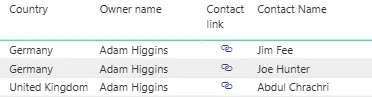
Instead, we only want to display the Hyperlink Icon Column as shown in PBI Table as this makes our report look cleaner and more concise:
We can achieve something similar in Inforiver Reporting Matrix/Writeback Matrix/Premium Table visuals.
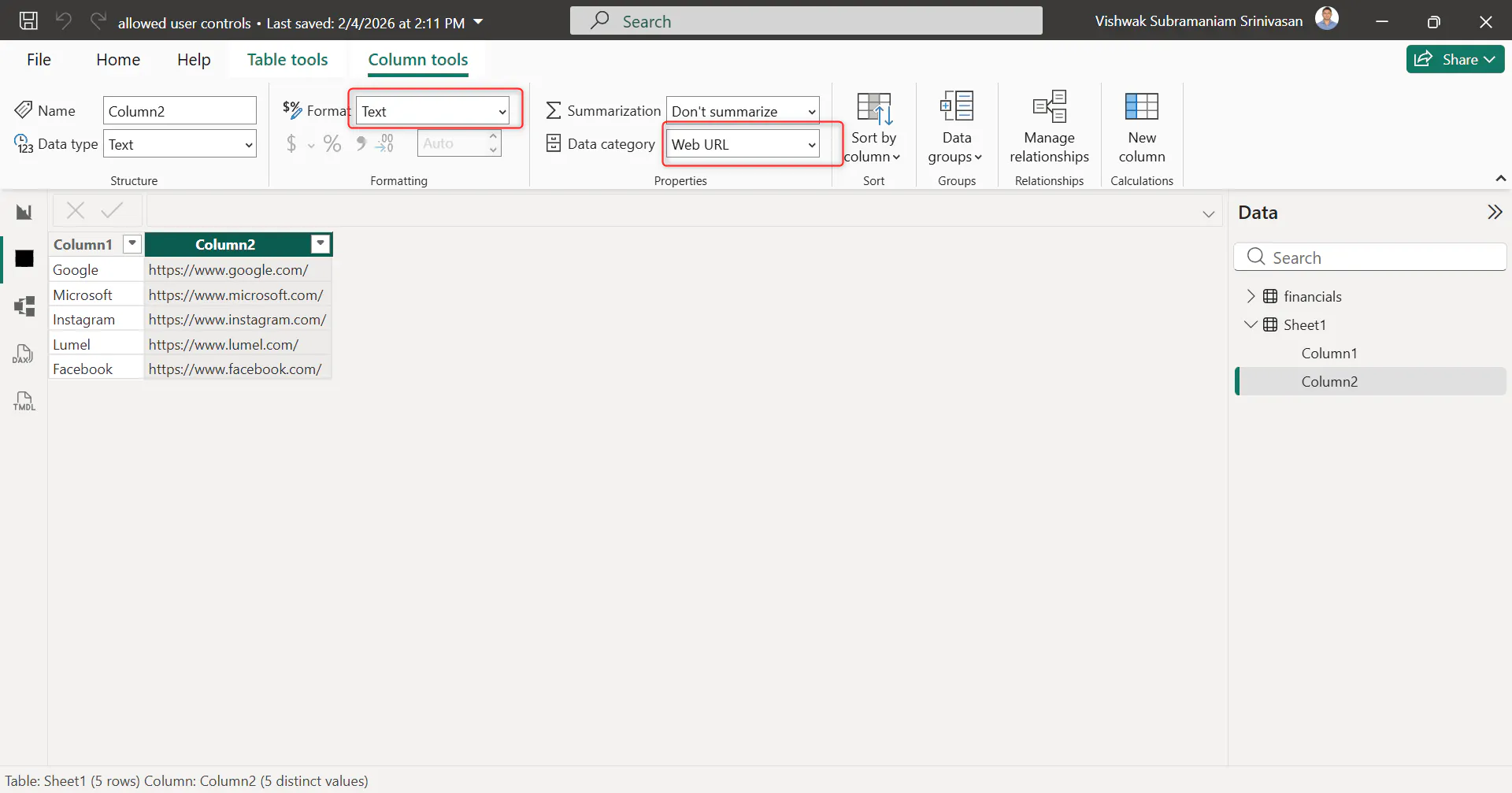
1) First, we have to set our URL link column as Text (Format) and Web URL (Data Category) as shown below:
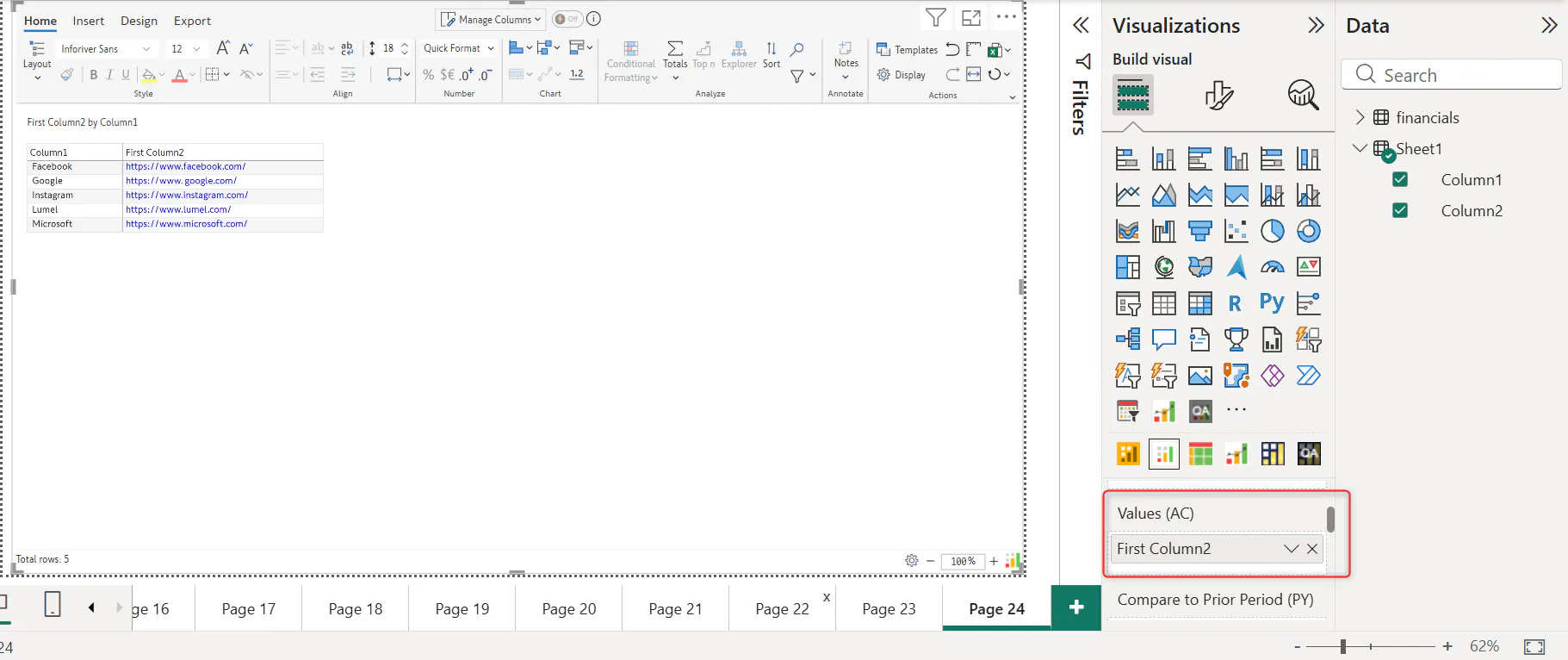
2) Secondly make sure that the URL link column is located under Values (AC) Field:
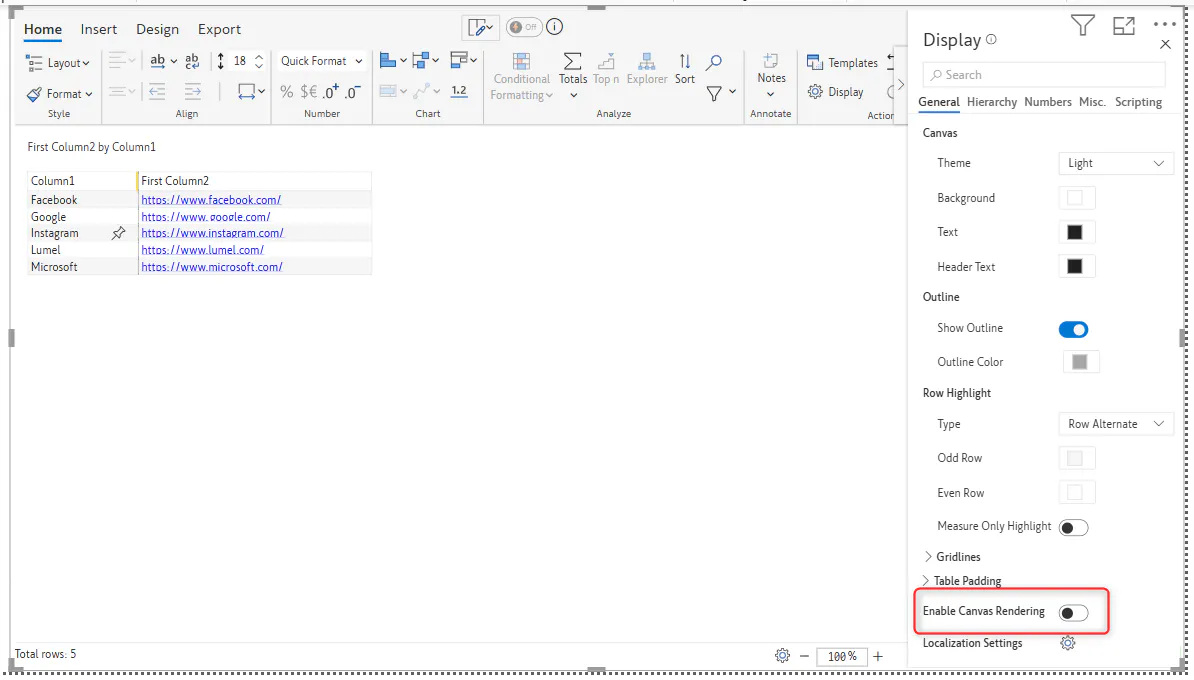
3) Next let us disable the Enable Canvas Rendering option under Display tab so that we can add the Hyperlink icons:
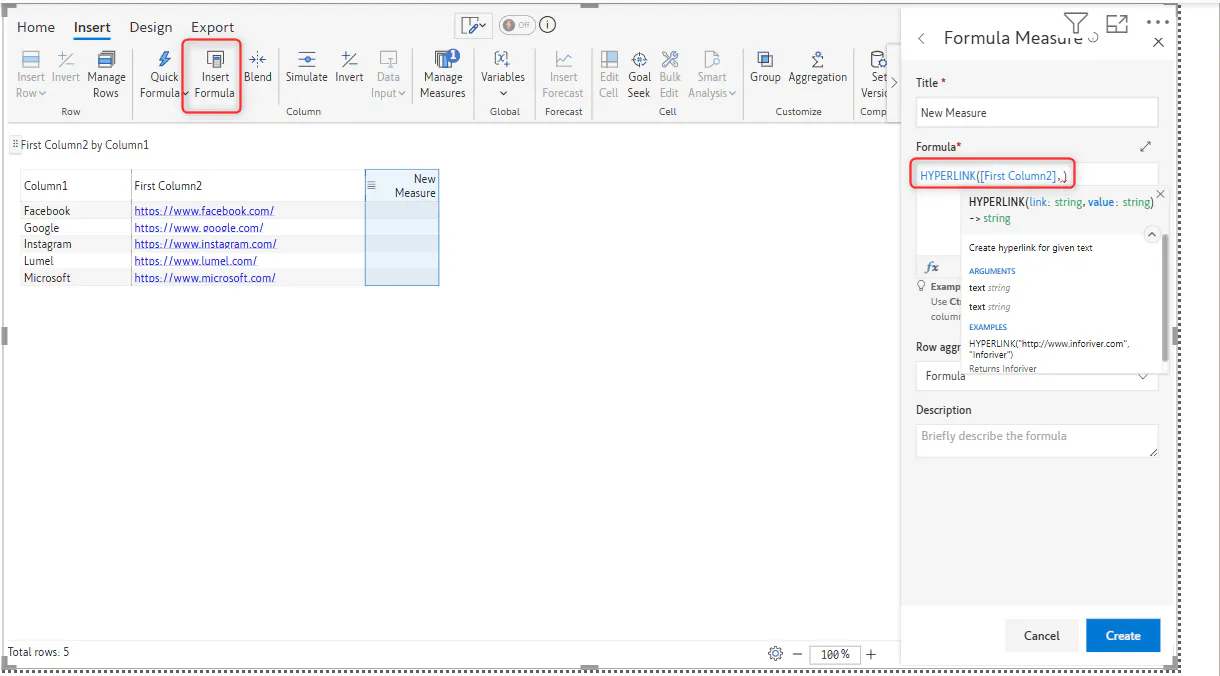
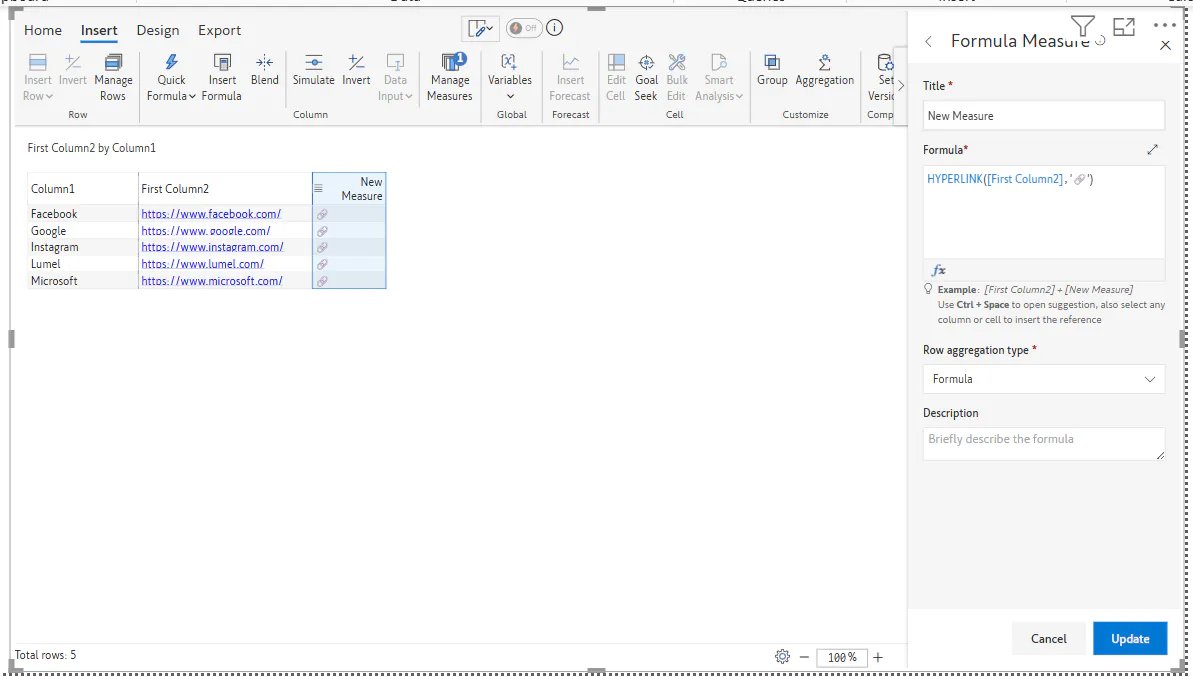
4) To display only an icon for the URL column, we first need to create an Insert Formula measure and reference the URL text column within that measure:
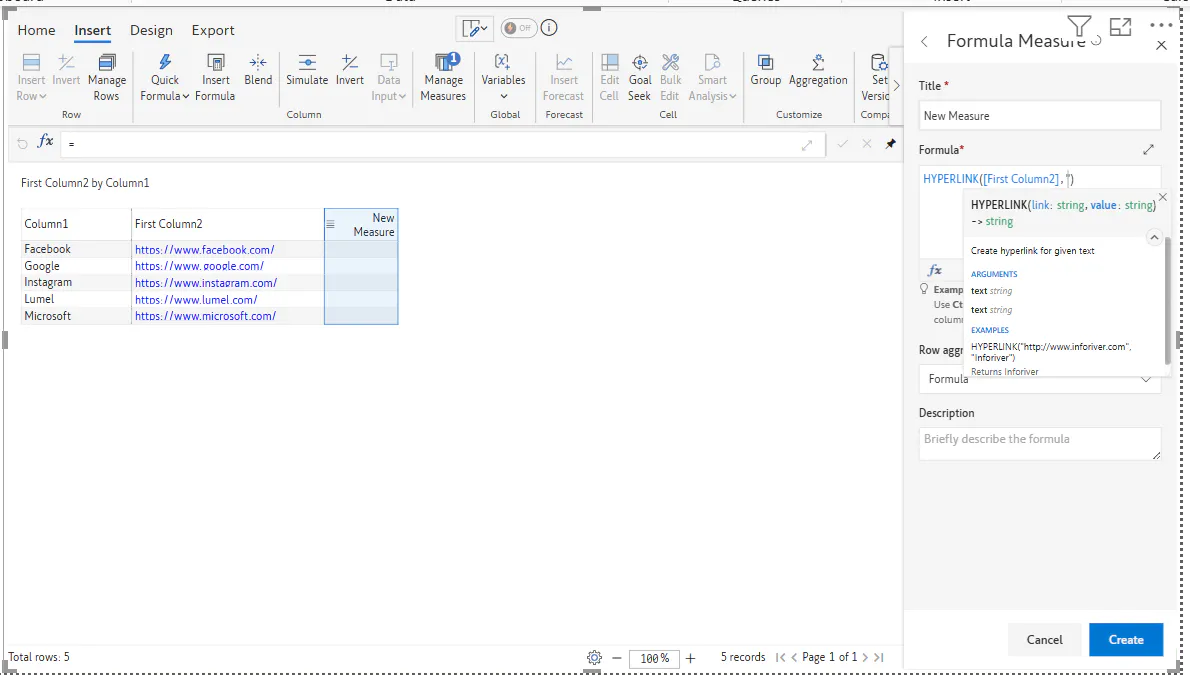
Next to get the URL icon, first we add a single quotation mark ('') and within that single quotation mark ('') press the Windows key + Semi colon key (;) and select the Hyperlink icon from the given options:
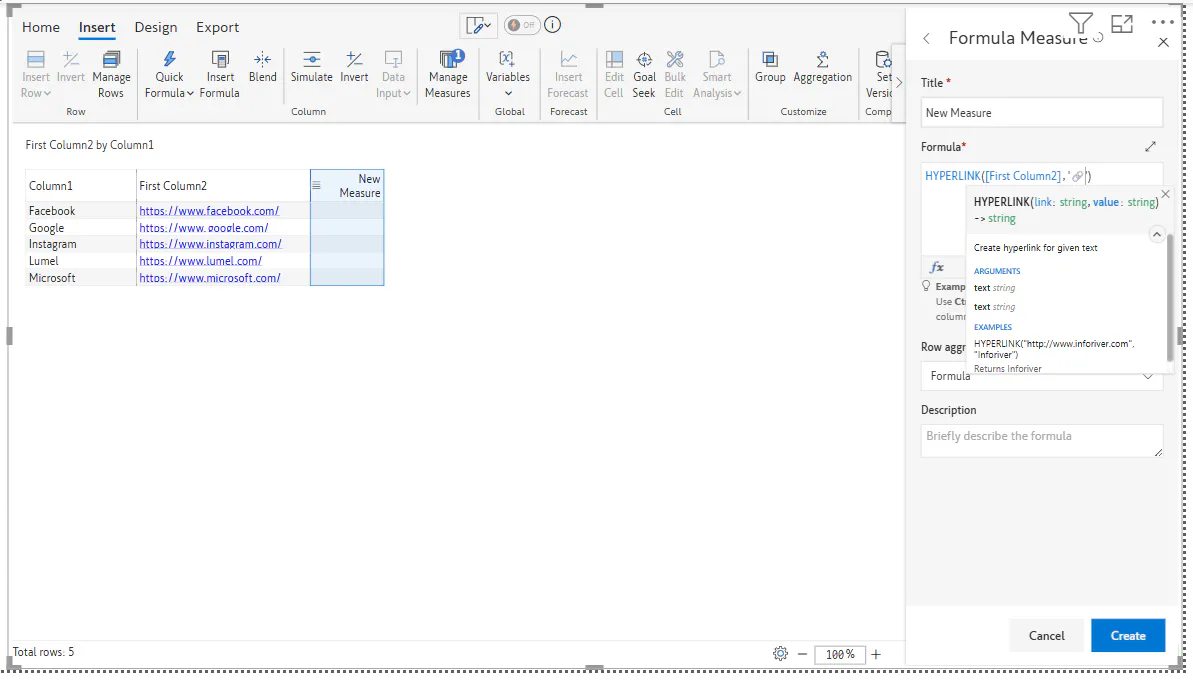
5) Finally, when we click Create, we can see our Hyperlink Icon column:
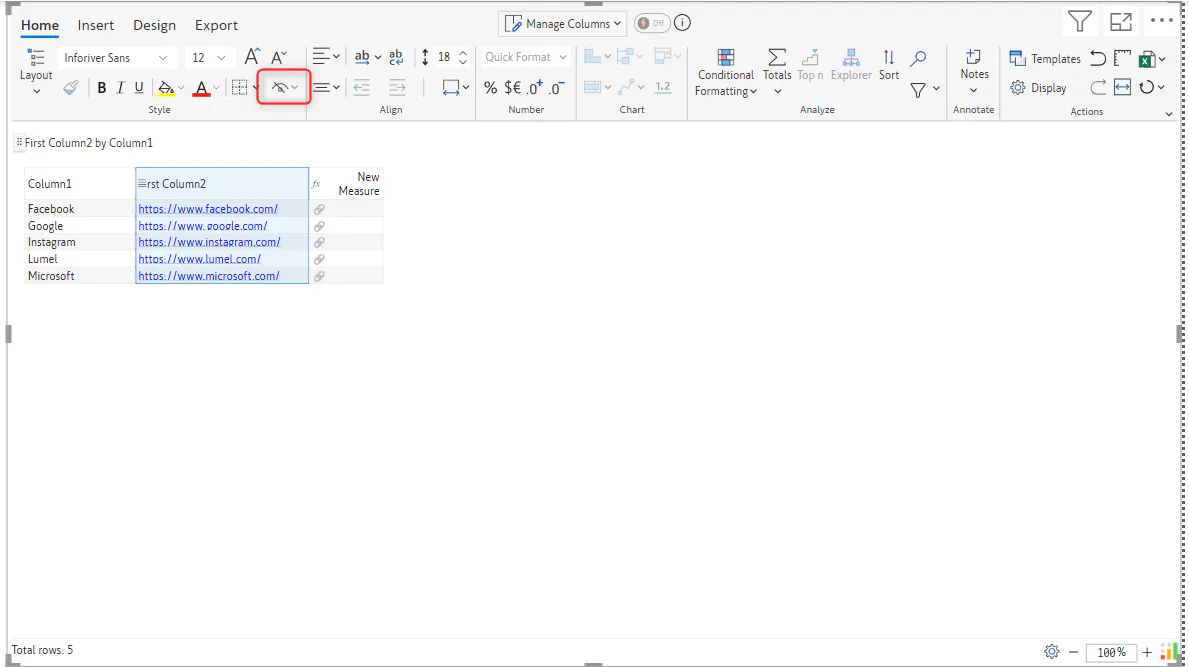
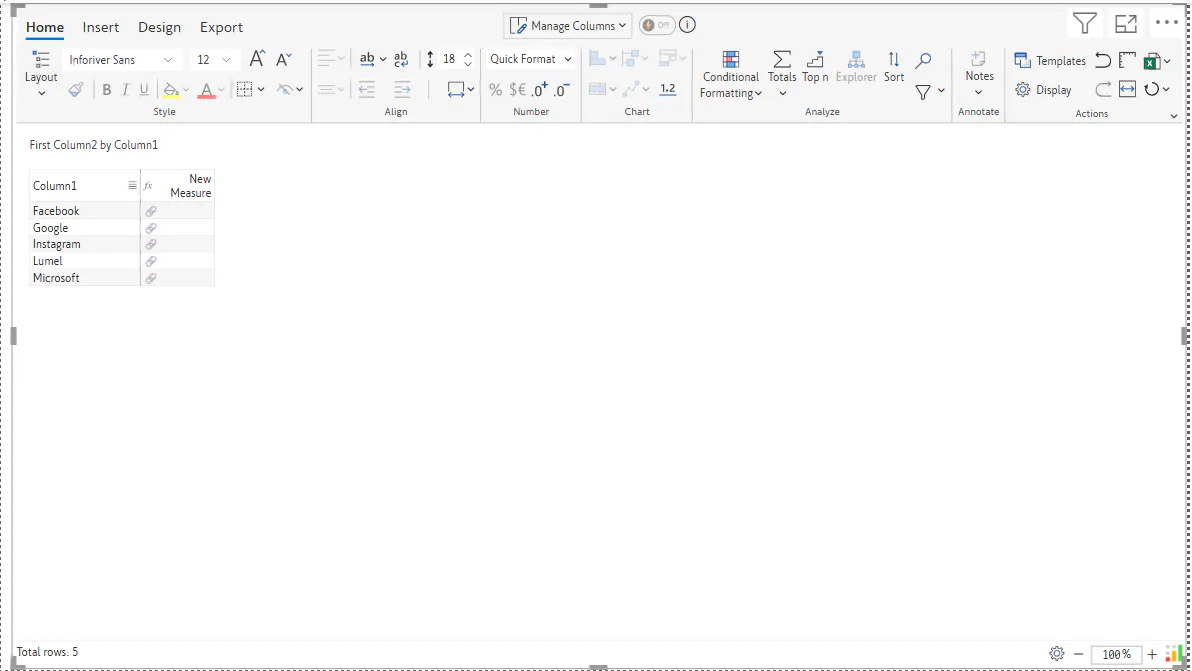
6) If needed we can hide our original URL text column by using the Hide feature so that we only display the Hyperlink Icon column:
FAQs:
Can we add other icons?
Yes, we can add other icons.
Is this feature available in Analytics+ visual?
No, it isn't.