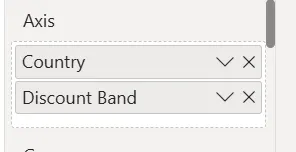
We can enable the Network Graph in Analytics+ by first having two values under the Axis field:
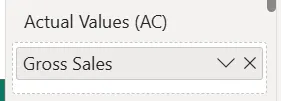
And a single measure under Actuals (AC):
The link settings for Network Graph can be customized by going to Settings -> Canvas -> Network
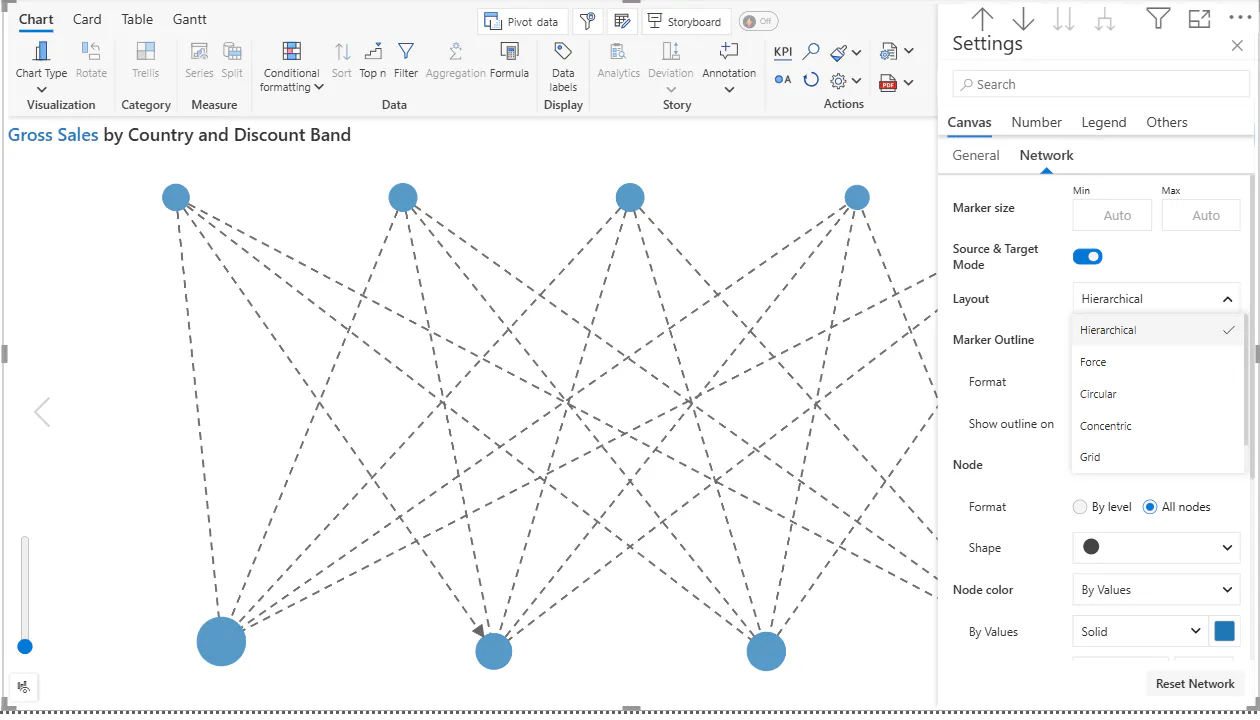
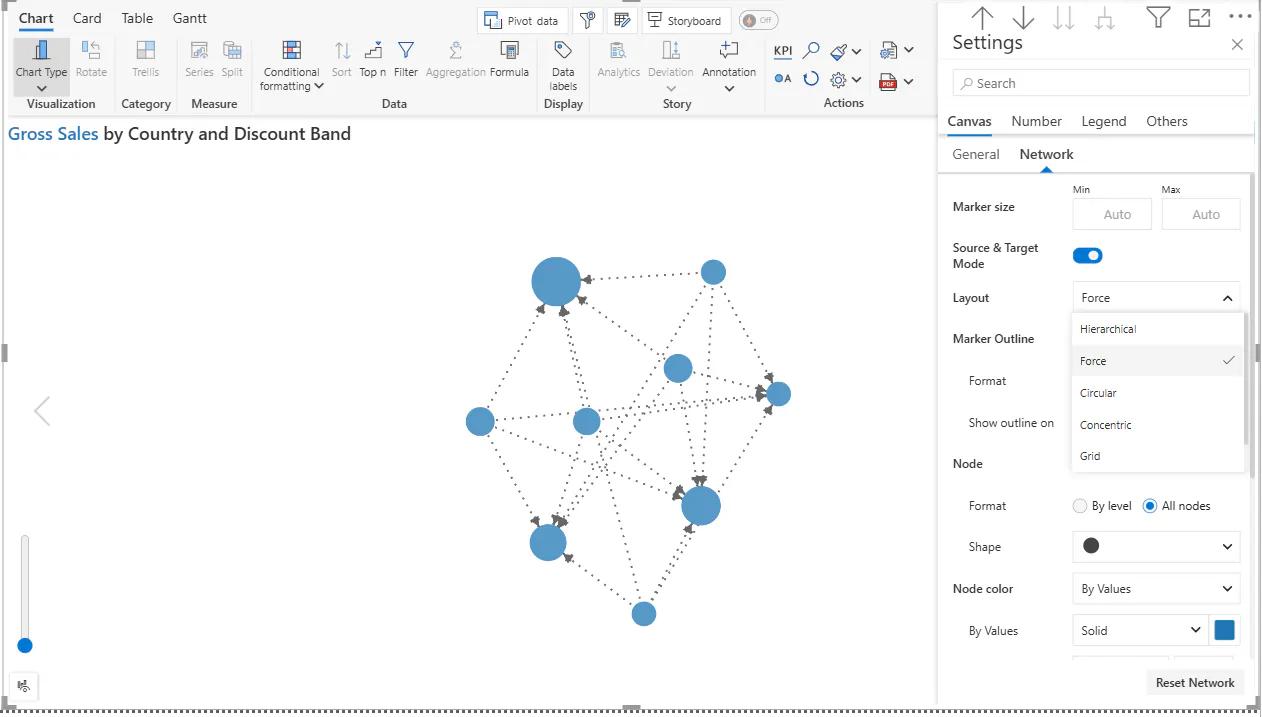
First, we can change the layout to any style we want and there are total of 6 different styles to which we can change to.
Hierarchical style:
Force style:
Circular style:
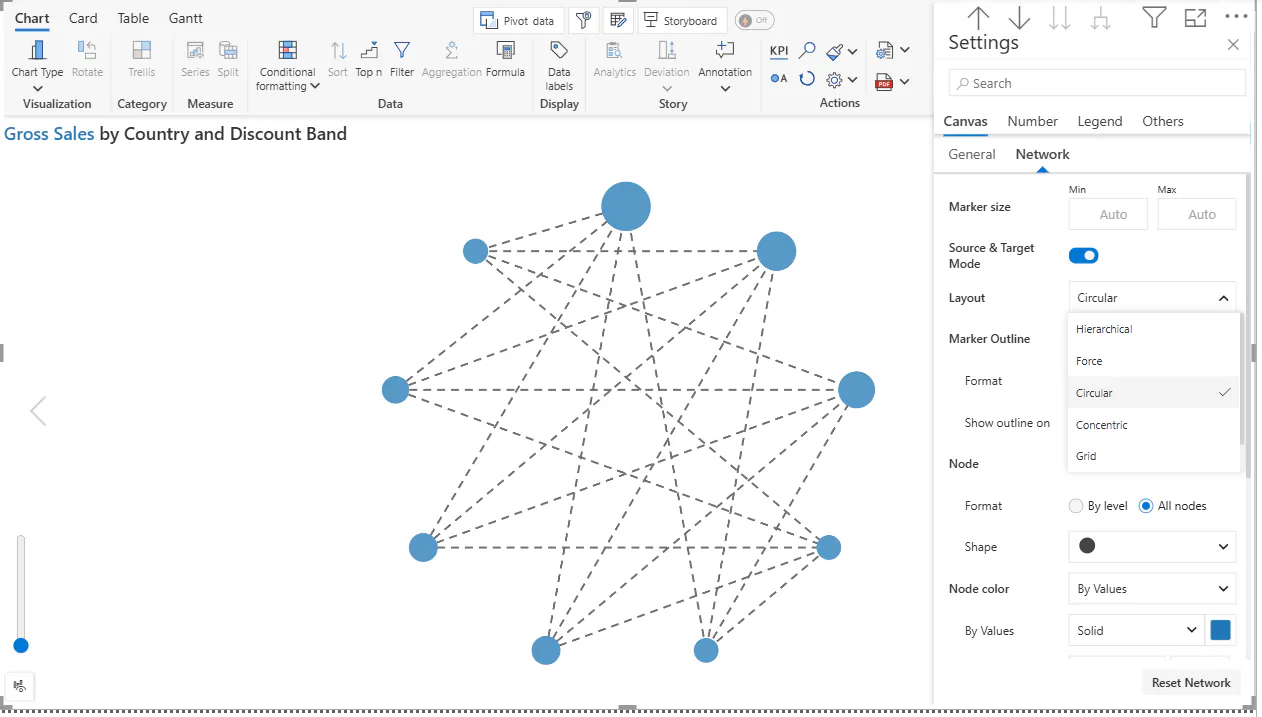
Concentric style:
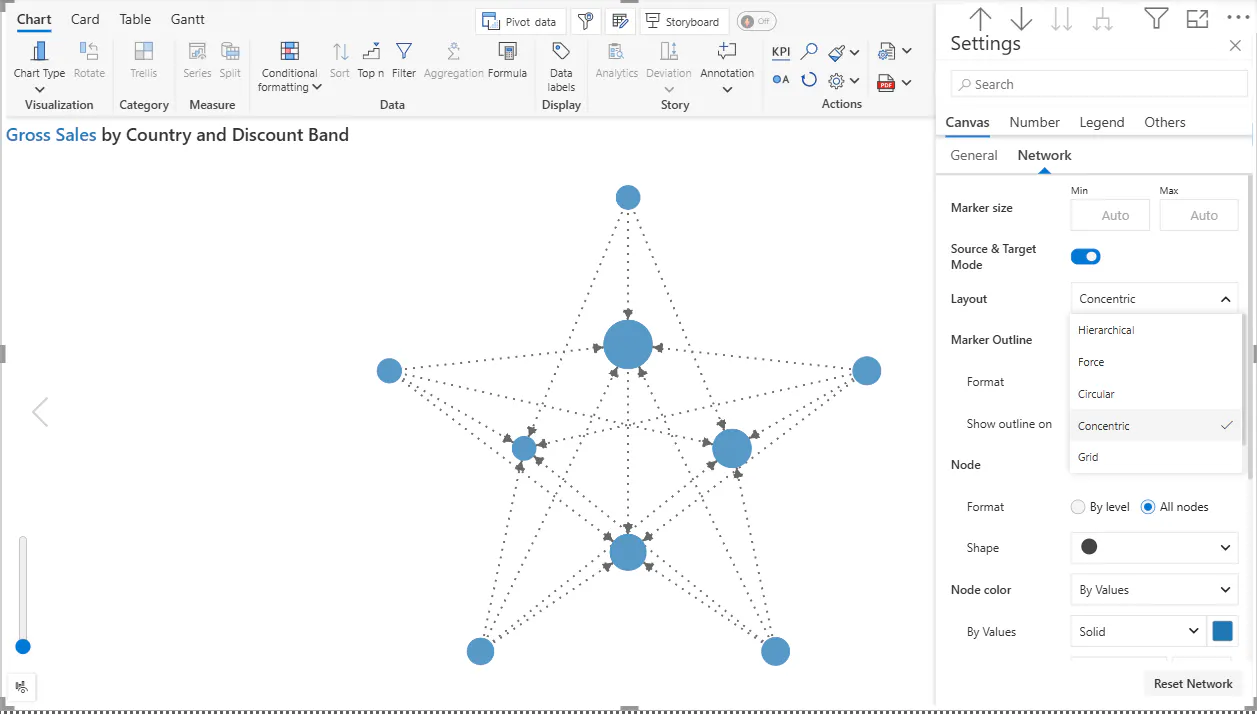
Grid style:
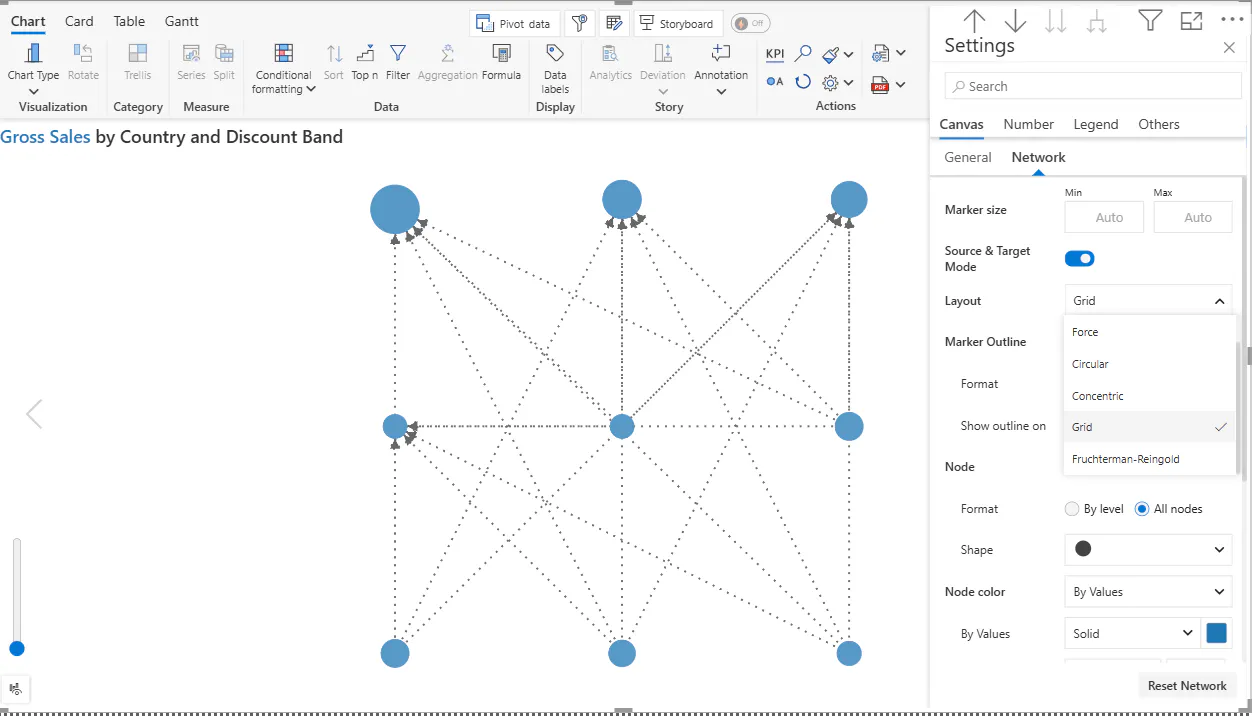
Fruchterman-Reingold style:
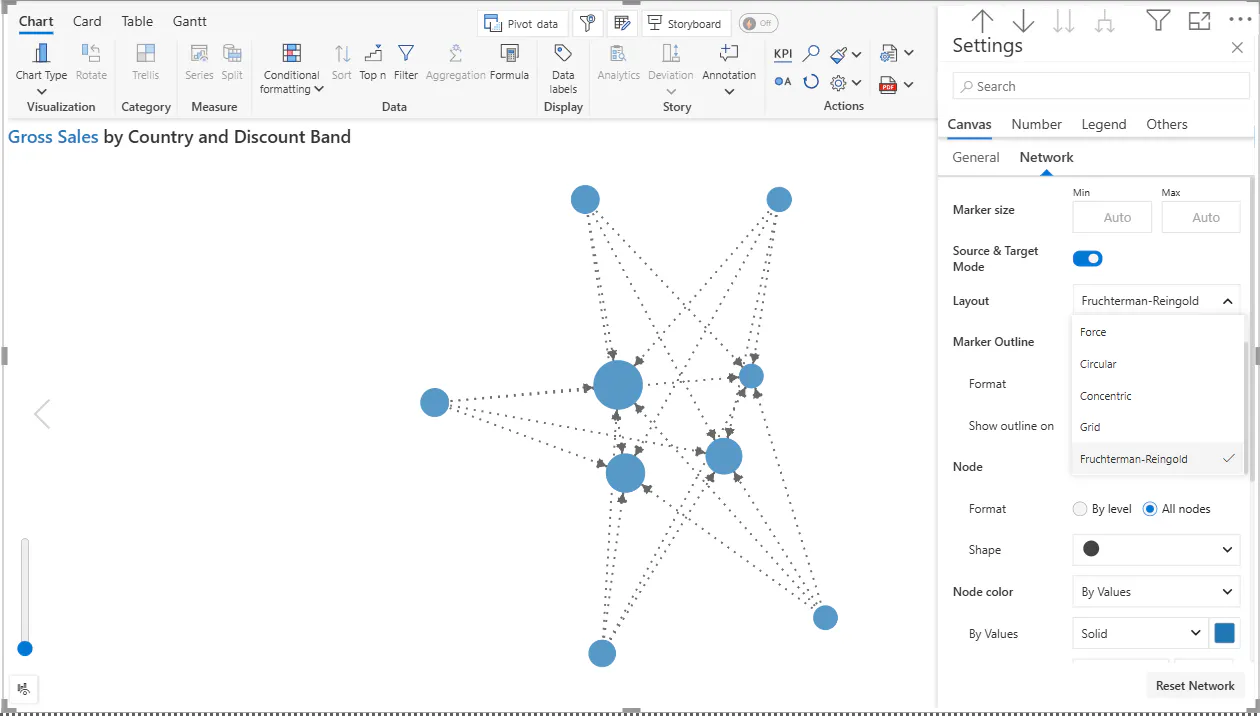
Next customizing both the Line type and line width is very easy as shown below:
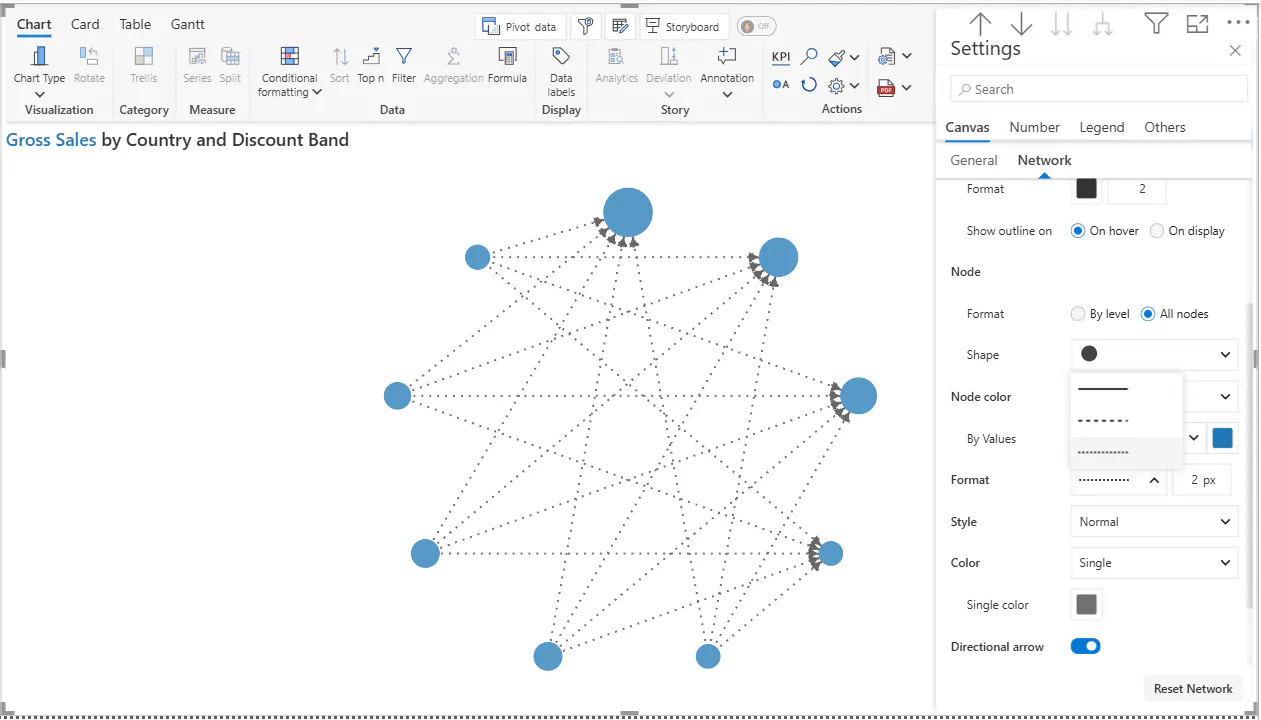
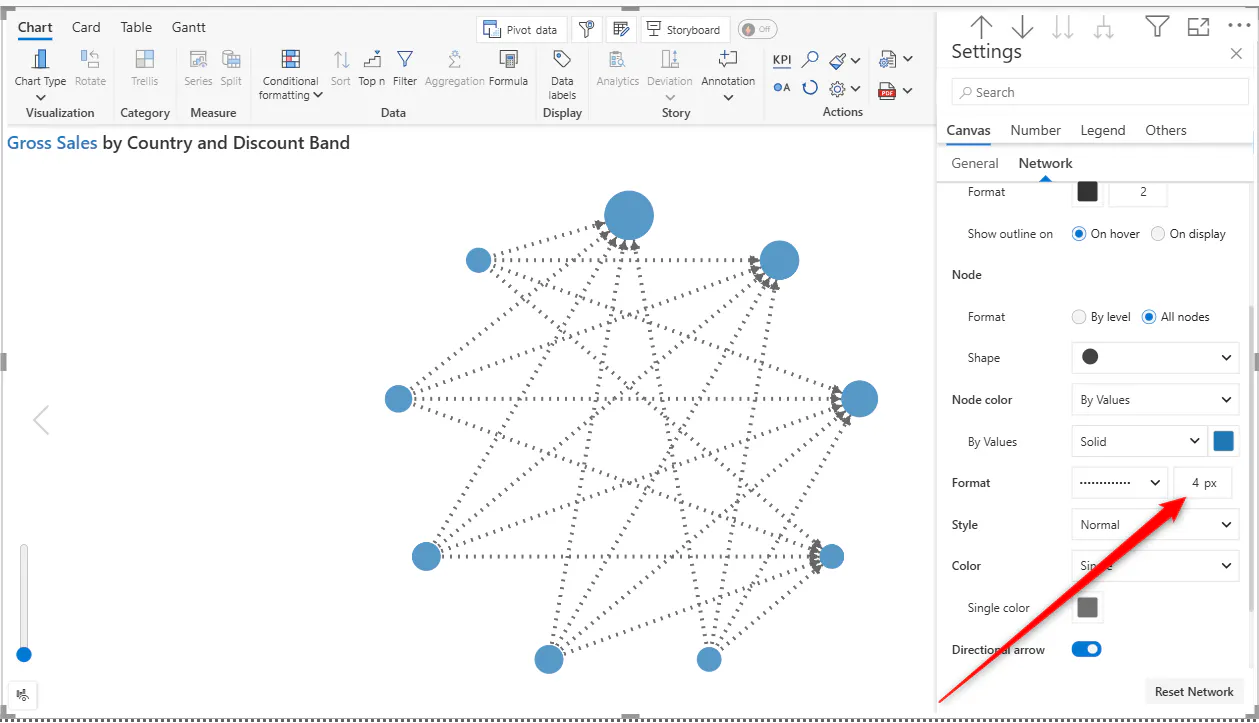
Similarly, we can also set the Link Style to either Normal, Smooth Curve or S-shaped Curve:
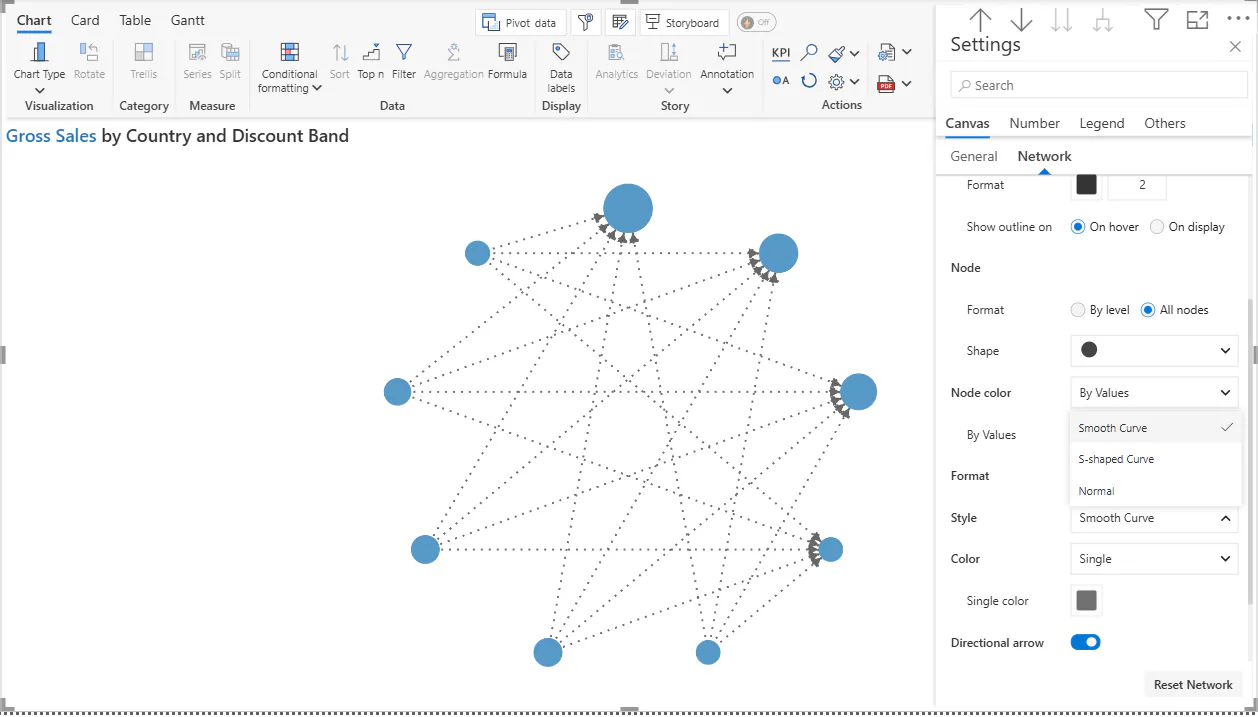
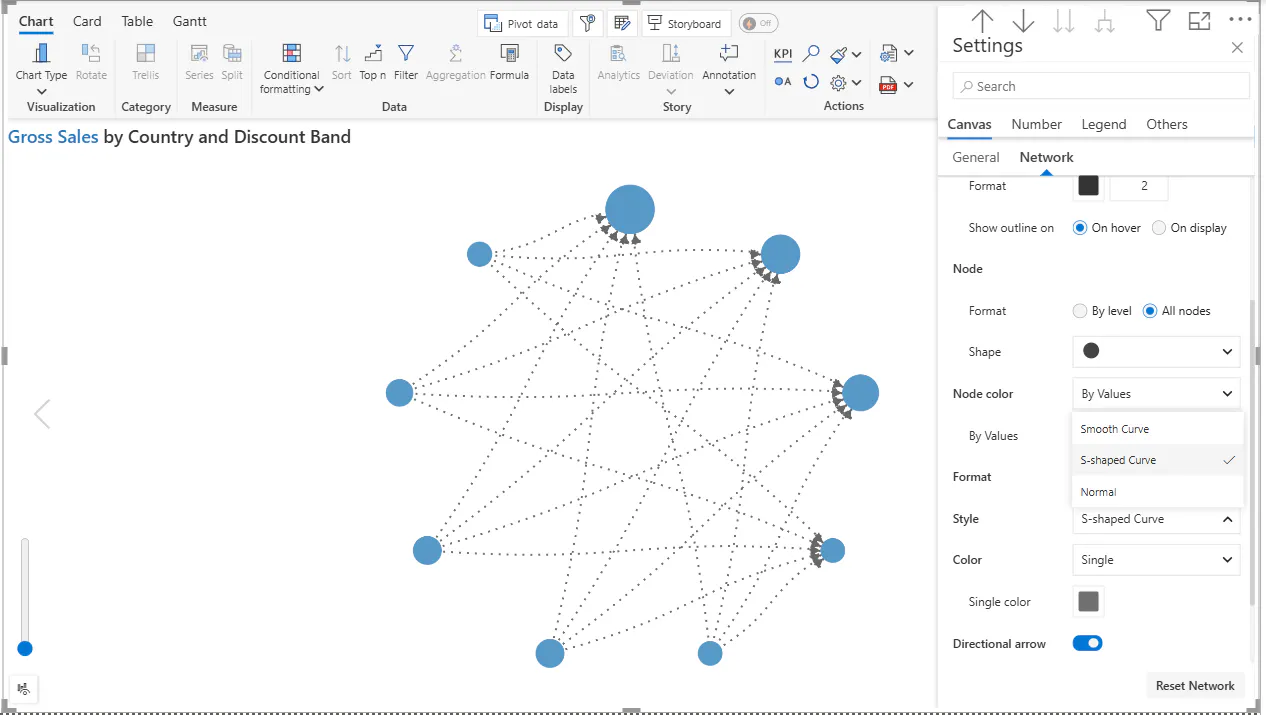
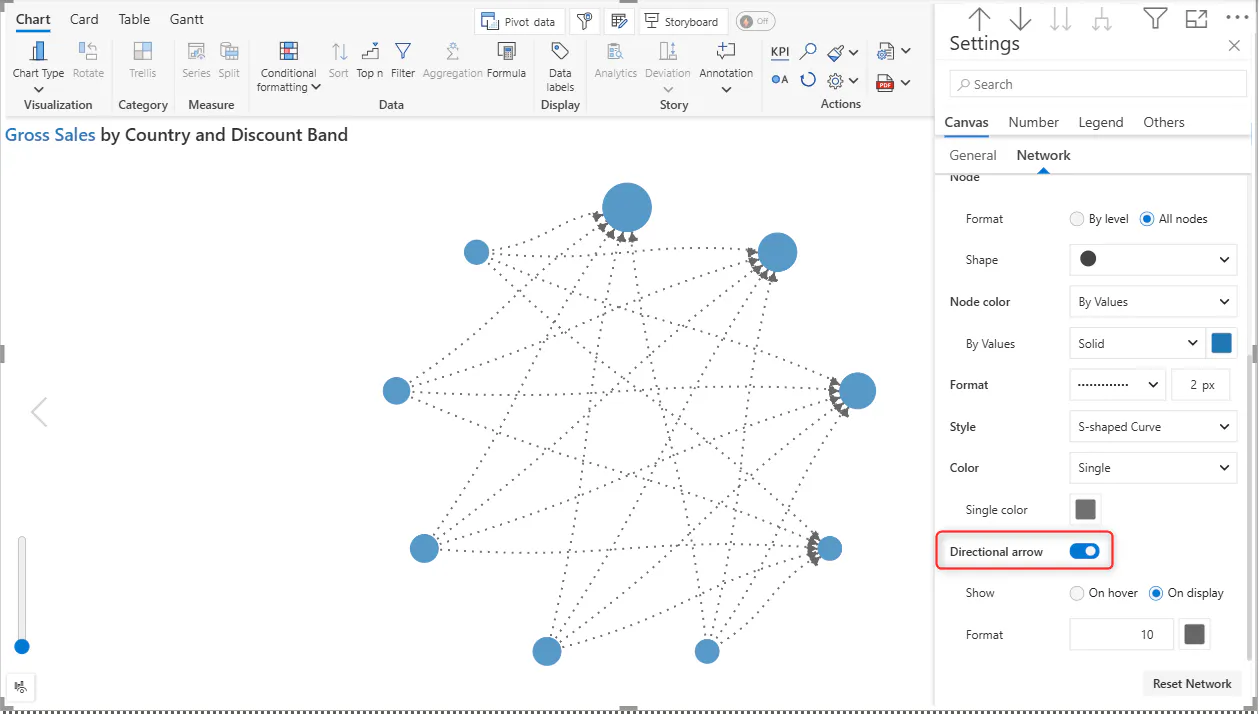
We can see that the Directional arrow is already enabled. The Direction arrow allows us to understand if the connection is one sided or bi-directional:
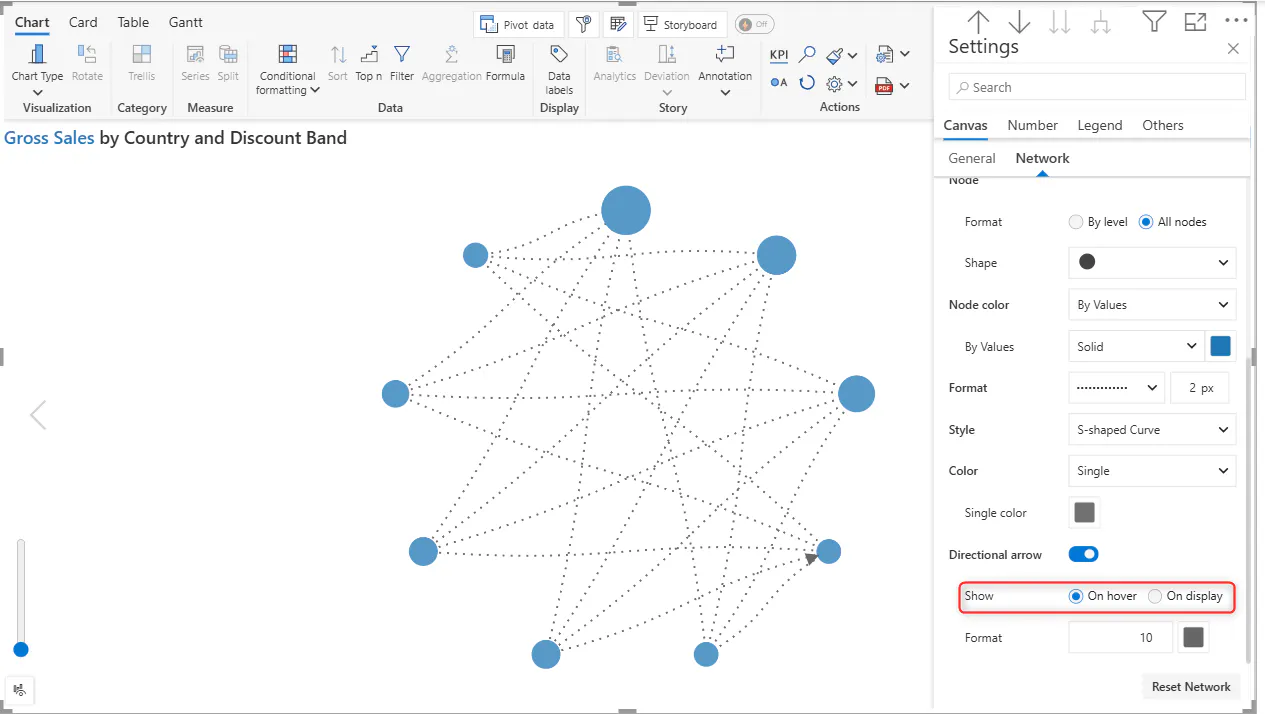
When we enable On hover the directional arrow will appear only when we hover over it:
FAQs:
Where can we purchase Analytics+?
We can purchase it here: Inforiver Analytics+ (100+ Charts, Gantt, Cards, Table)